Win more admissions
A modern, professional app makes yours the institute students choose over the one down the road.

GCC-TBC Mentor is the exam-accurate practice platform built for Maharashtra's typing institutes — fully in Marathi, and made to get more of your students through the exam.
Works offline after activation 1+3 · 1+5 · 1+10 lab seats Exact GCC-TBC marking
GCC-TBC Mentor isn't only a teaching tool — it's how a modern institute stands out, fills more seats and keeps parents happy.
A modern, professional app makes yours the institute students choose over the one down the road.
Real exam simulation and instant, exact feedback are visibly better training — and support visibly better fees.
A single 1 + 10 lab licence trains up to 11 students at once, entirely offline over your LAN.
Students who pass tell their friends. Better results are the cheapest marketing an institute has.
A handful of extra admissions can cover your licence for the whole year.
Generic typing sites teach speed. GCC-TBC Mentor teaches the exam your students actually sit.
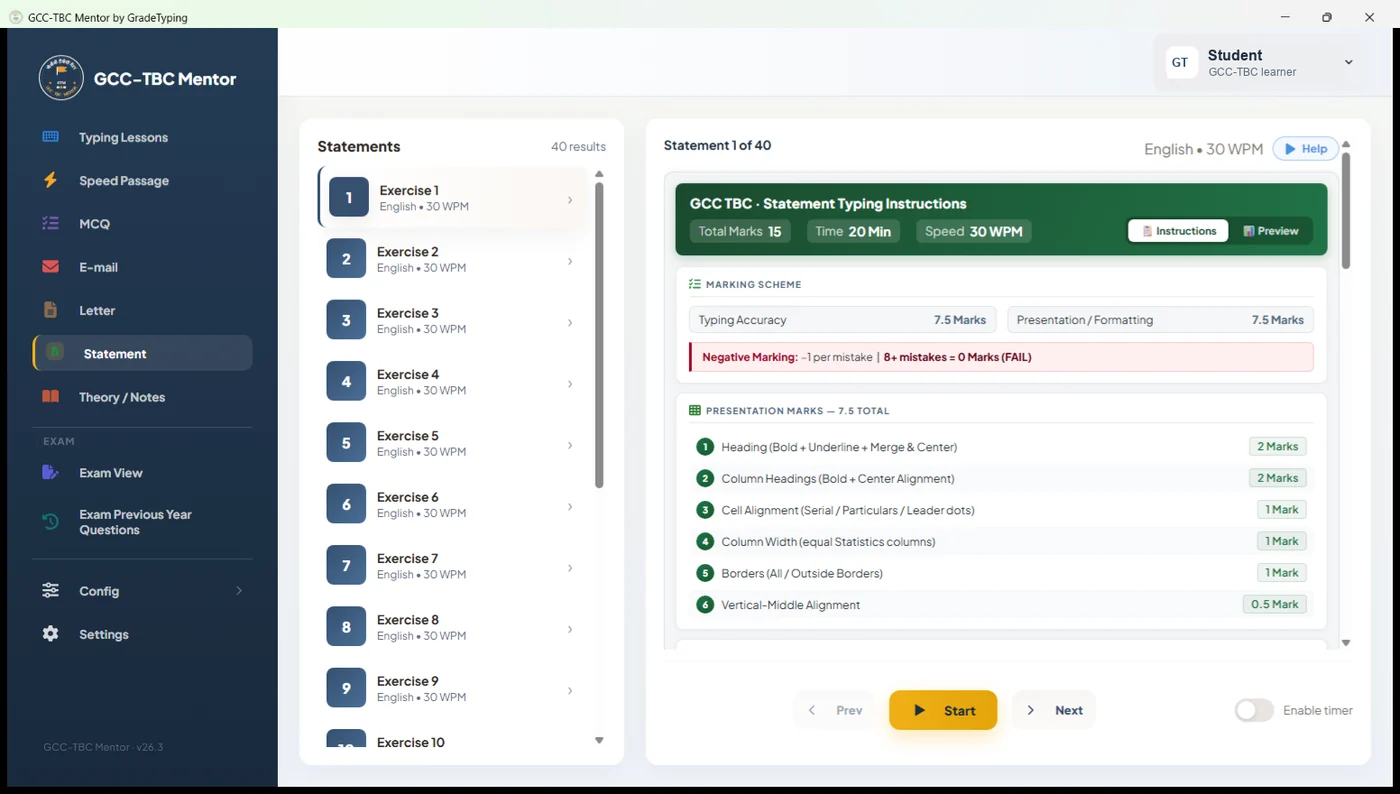
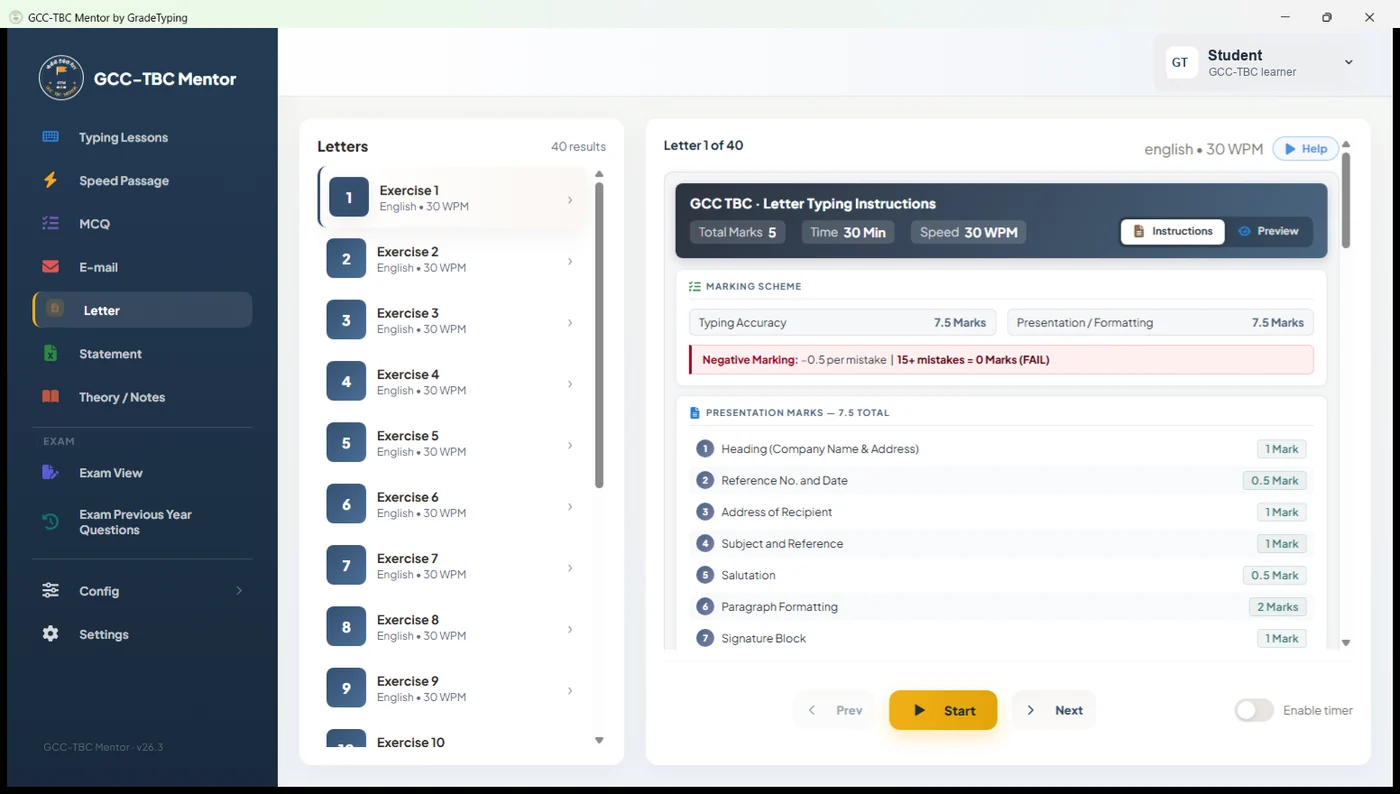
Letters, statements and email are typed in real MS Word & Excel and graded on the actual exam scheme — speed, accuracy and presentation — not a generic words-per-minute score. Students practise exactly what the examiner rewards.
Every mistake is shown side-by-side against the model answer, down to the character, with a point-by-point breakdown of each rule passed or failed. Students fix what's actually wrong instead of guessing — and improve far faster.
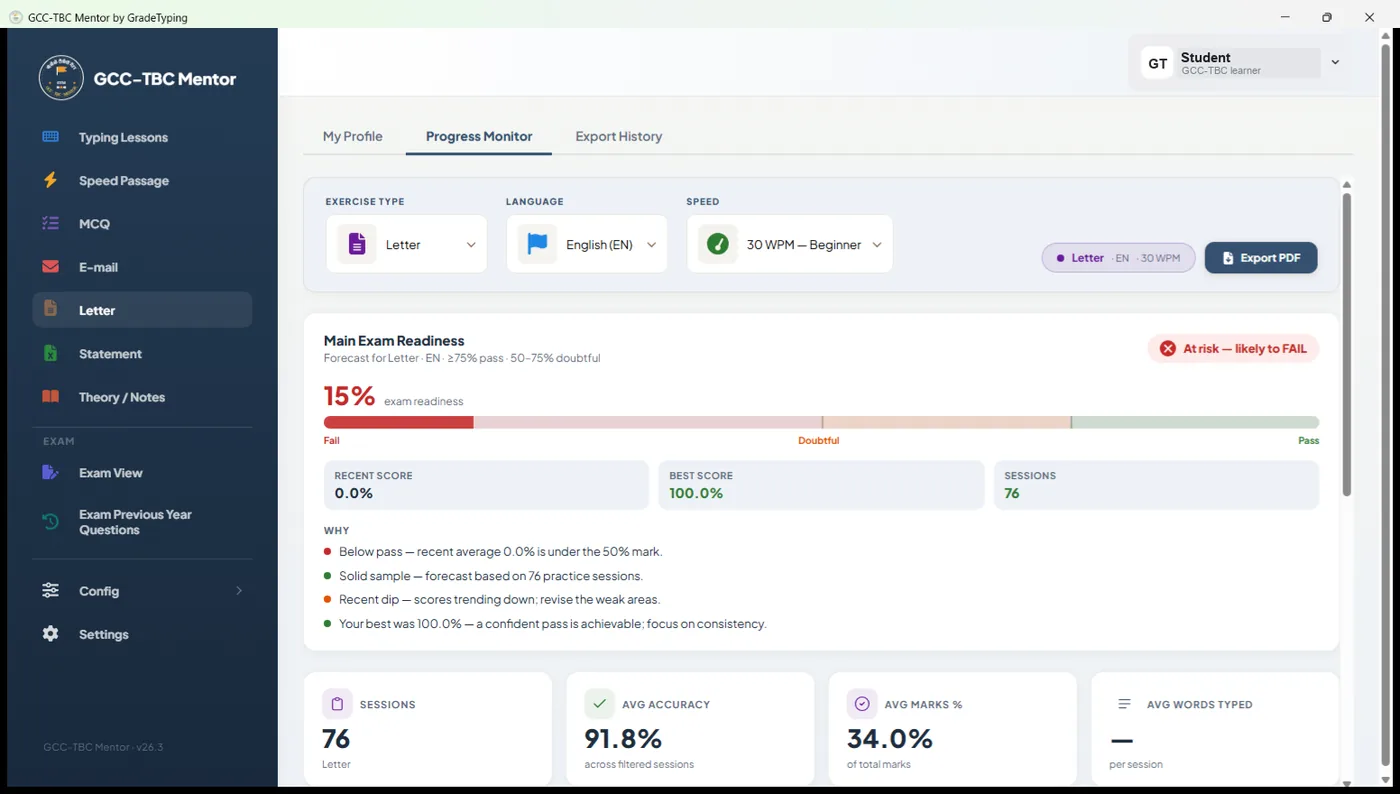
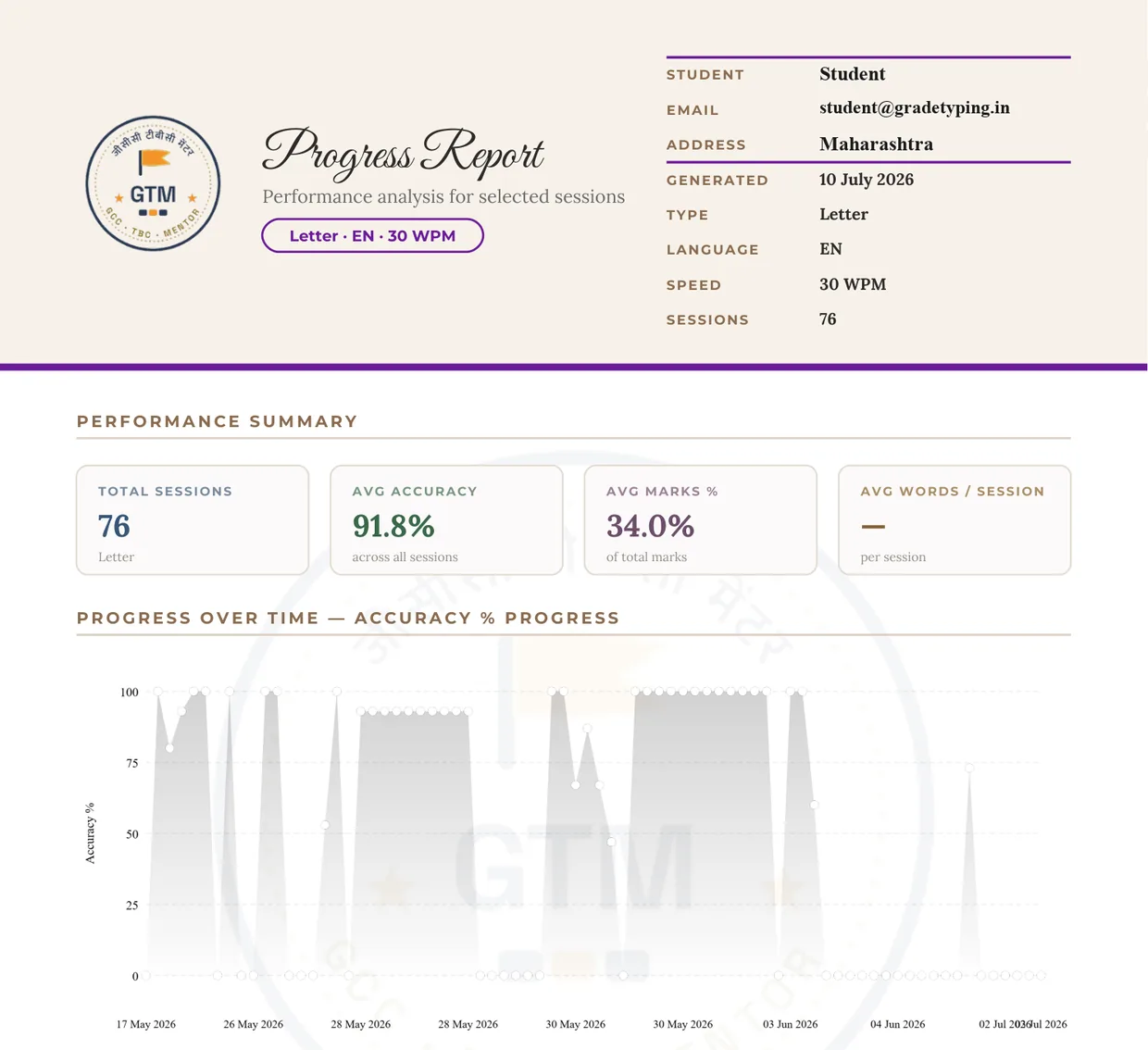
The Progress Monitor forecasts each student's readiness — pass, doubtful or fail — from their recent sessions, with trend charts and a one-click printable PDF report you can hand to students or parents. You always know which batch needs more time.
Typing, letters, statements, email, objective (MCQ) theory and speed passages — plus a built-in mobile-app simulator for the modern practical syllabus and a full timed mock exam.
The entire app runs in Marathi, with Hindi and English a click away and Remington Devanagari support — so language is never what stands between a student and a pass.
When a lab PC's CMOS battery dies, the computer forgets the date — and ordinary licensed software then often refuses to activate, warns that the licence has "expired", or stamps every result with the wrong date. GCC-TBC Mentor is built to detect the bad clock and keep running, so activation, practice and progress reports carry on without wrong-date errors. One less dead PC in your lab — and no frantic BIOS fixes right before an exam.
One clear price per year. No per-student fees, no support tiers, no surprises.
4 computers
Most popular for small institutes
Choose this plan6 computers
For growing institutes
Choose this plan11 computers
For large labs
Choose this planOne-time activation per PC · 12-month validity · buy online, activation keys emailed in minutes · 10 AM – 6 PM daily online support.
| GCC-TBC Mentor | Ordinary typing software | |
|---|---|---|
| Modern, redesigned interface students enjoy | ✓ | ✕ |
| Exact GCC-TBC marking scheme (speed · accuracy · presentation) | ✓ | ✕ |
| Side-by-side, character-level mistake highlighting | ✓ | ✕ |
| Exam-readiness forecast + printable PDF reports | ✓ | ✕ |
| Real MS Word & Excel letter / statement tasks | ✓ | ✕ |
| Objective (MCQ) theory + mobile practical simulator | ✓ | ✕ |
| Entire interface in Marathi (Hindi & English too) | ✓ | ✕ |
| Multi-seat lab licences (1 + 3 / 1 + 5 / 1 + 10) | ✓ | ✕ |
| Works fully offline after one-time activation | ✓ | ✕ |
| Try live in the browser · buy a licence online in minutes | ✓ | ✕ |
Yes. The 1 + 3, 1 + 5 and 1 + 10 Extenda plans activate up to 4, 6 or 11 computers from a single licence over your LAN — no per-seat purchase.
No. After a one-time online activation, GCC-TBC Mentor runs completely offline — ideal for lab PCs with limited or shared connectivity.
Marathi, Hindi and English — switchable instantly, with Remington Devanagari keyboard support so language is never the barrier.
Every answer is shown side-by-side against the model answer, down to the character, with a point-by-point breakdown of each GCC-TBC rule passed or failed.
Yes. The Progress Monitor forecasts each student's readiness — pass, doubtful or fail — from recent sessions, and exports a printable PDF report for students or parents.
Try the free browser demo, pick a lab plan on the pricing page and buy online — or message us on WhatsApp for a custom quote on a larger lab.
Open the live demo in your browser — no install, no sign-up. Feel the difference in 60 seconds, then talk to us about your lab.