A visual tour of every GradeTyping product — real, in-app screens grouped by product.
GCC-TBC Mentor
18screens
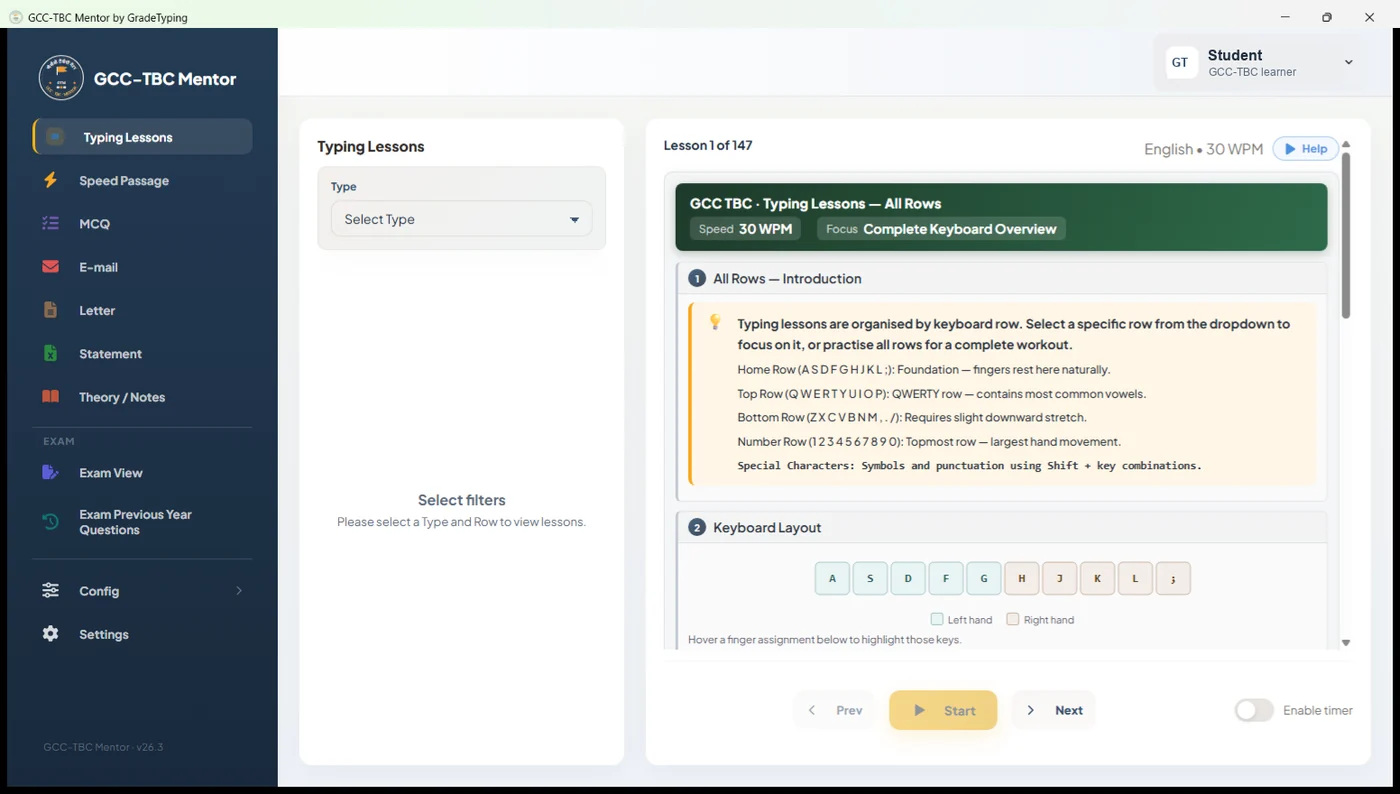
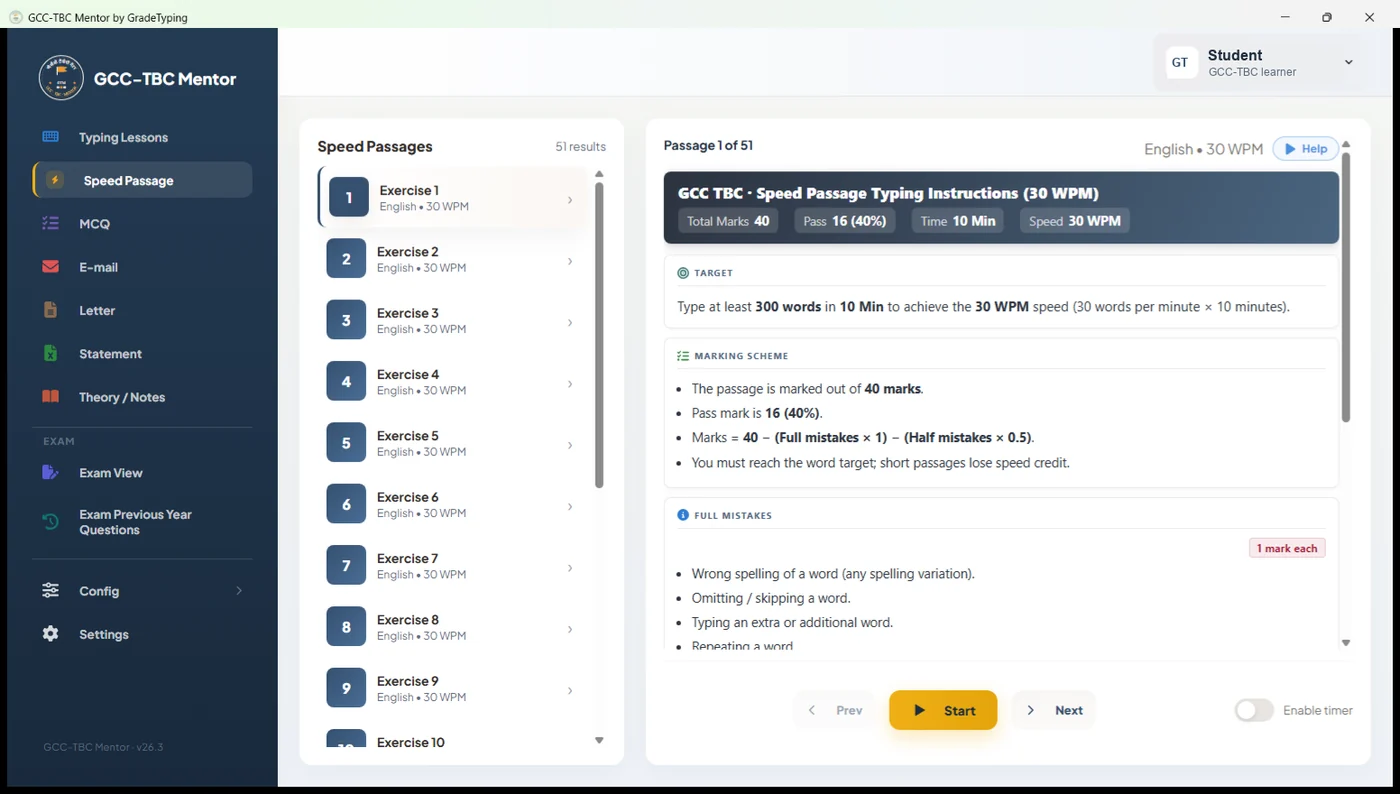
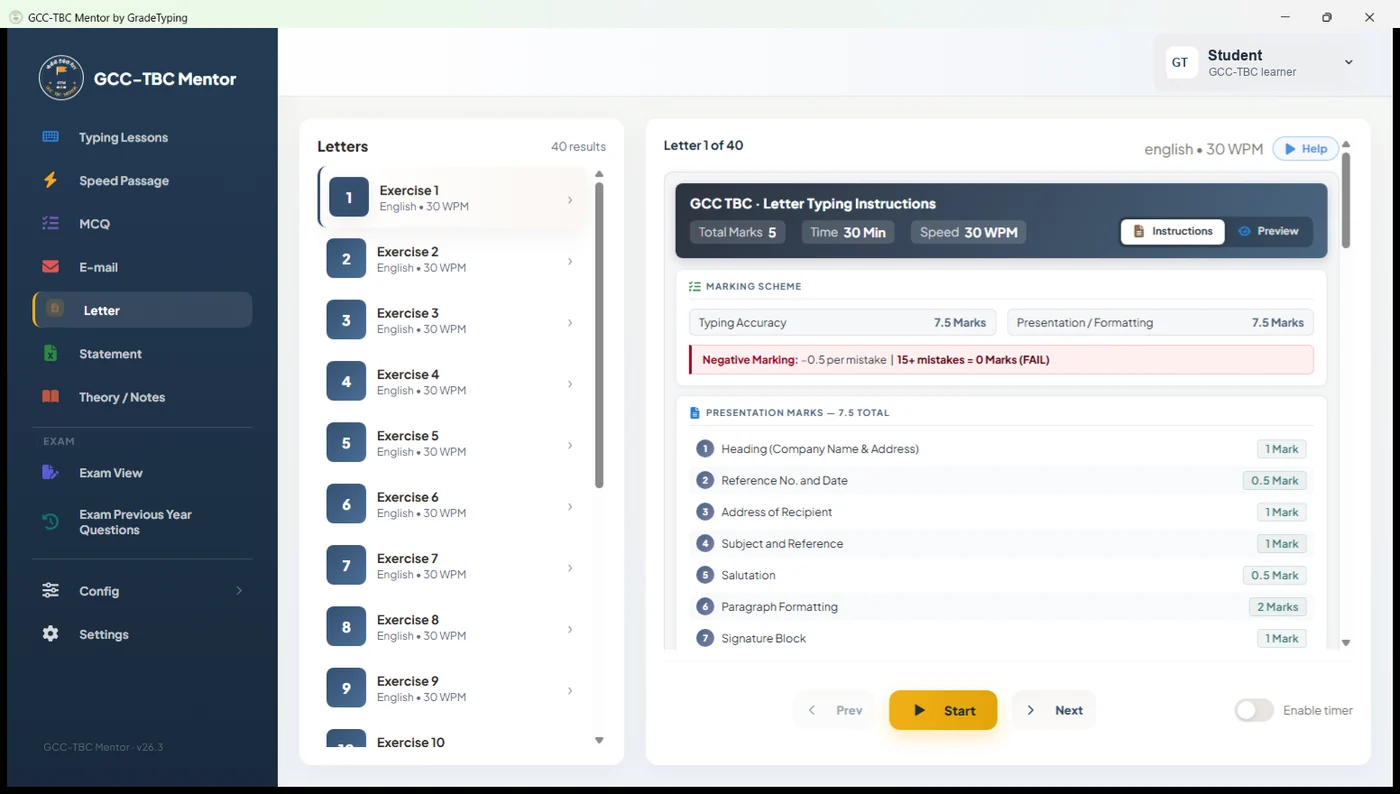
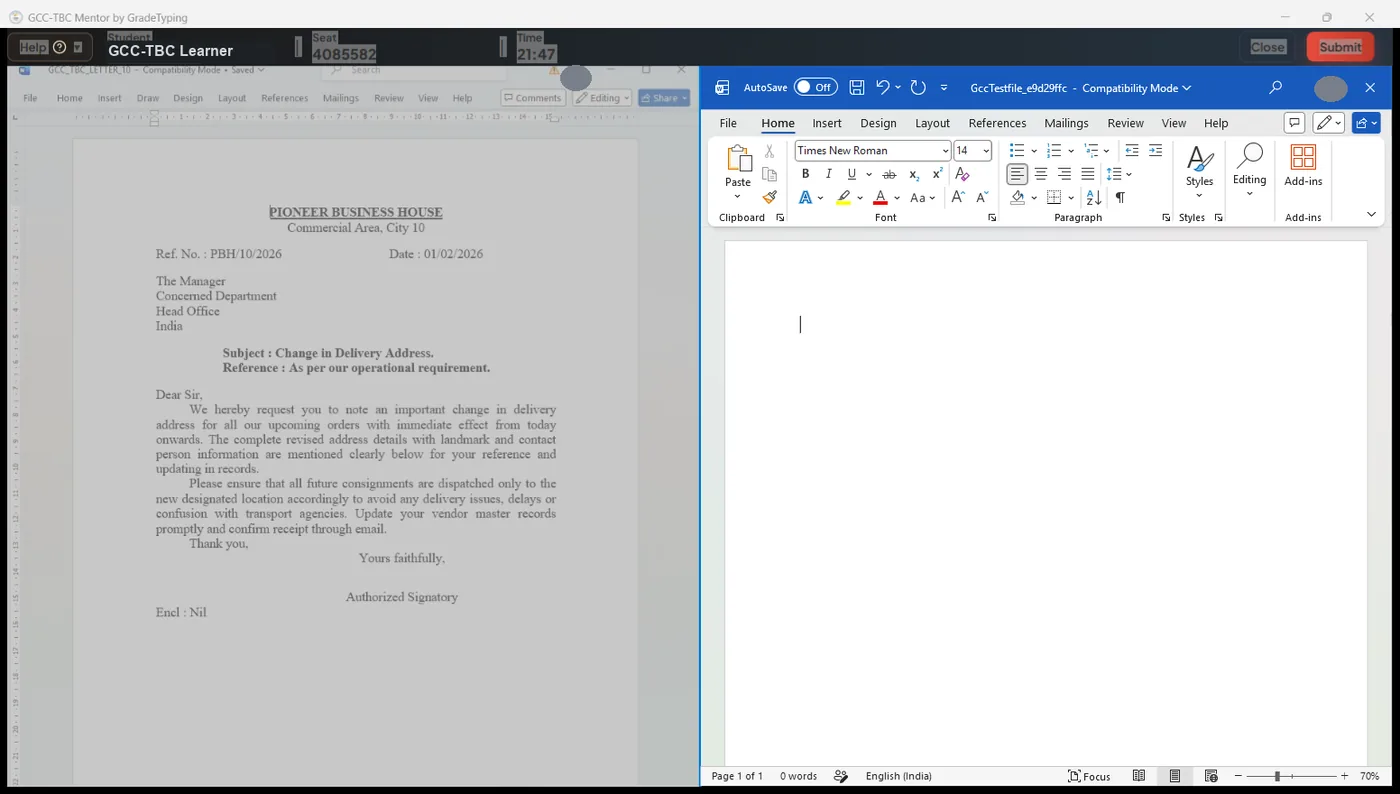
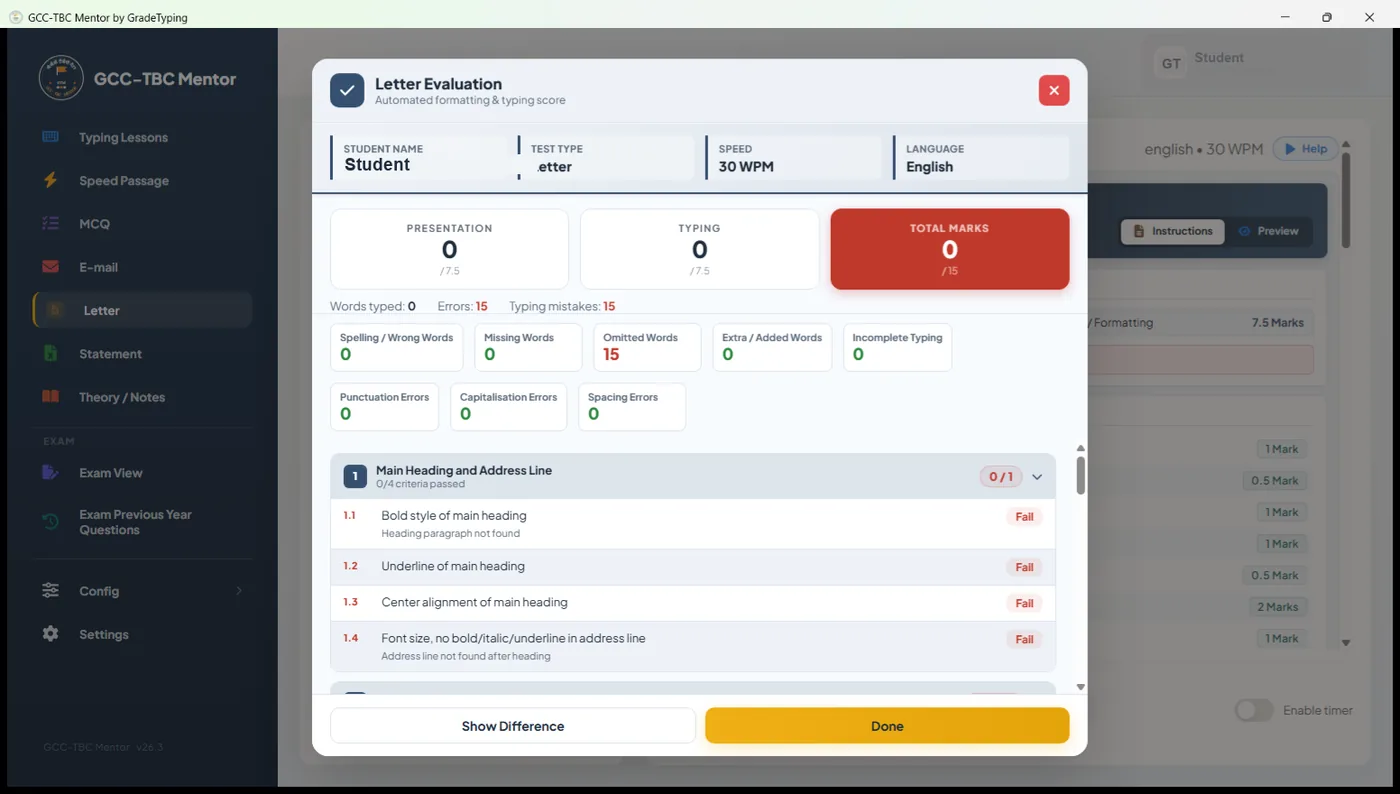
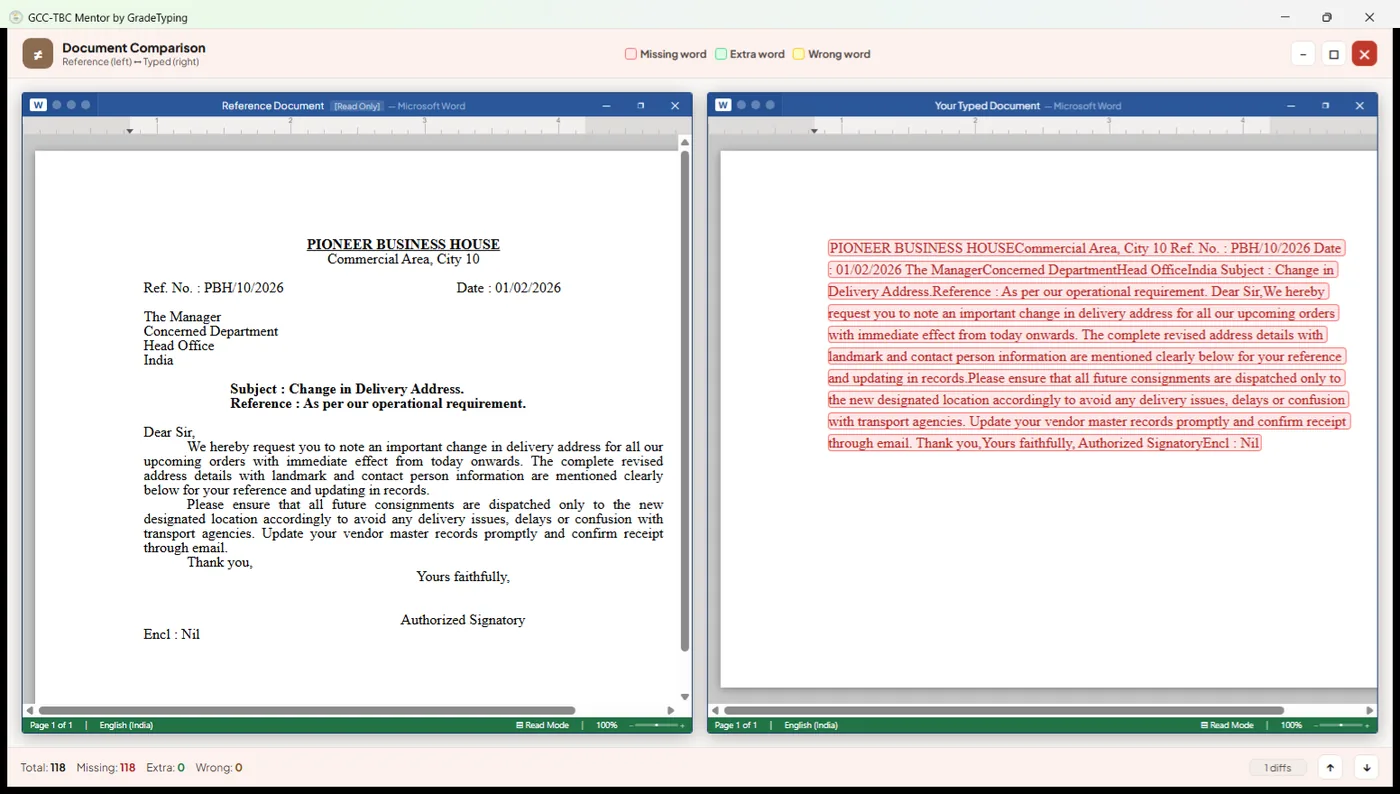
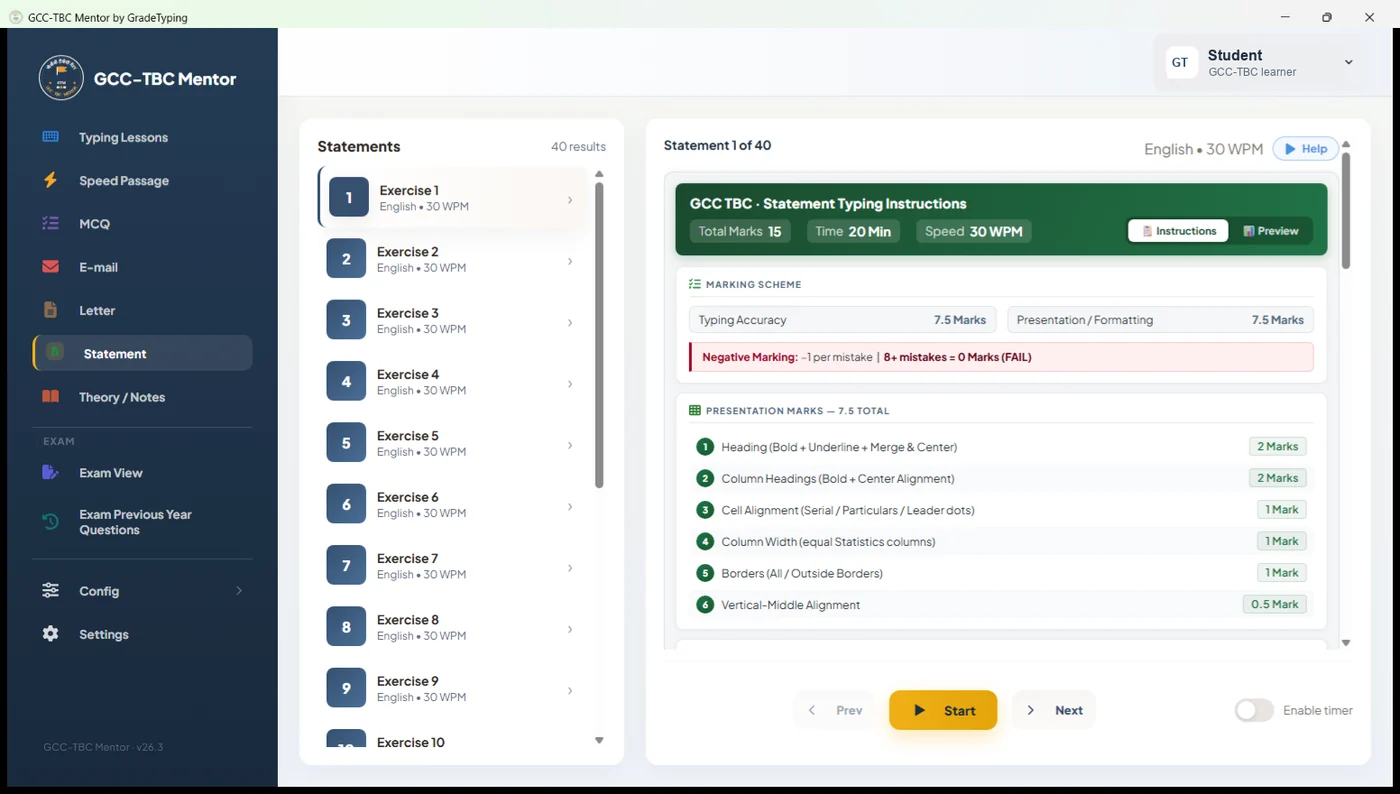
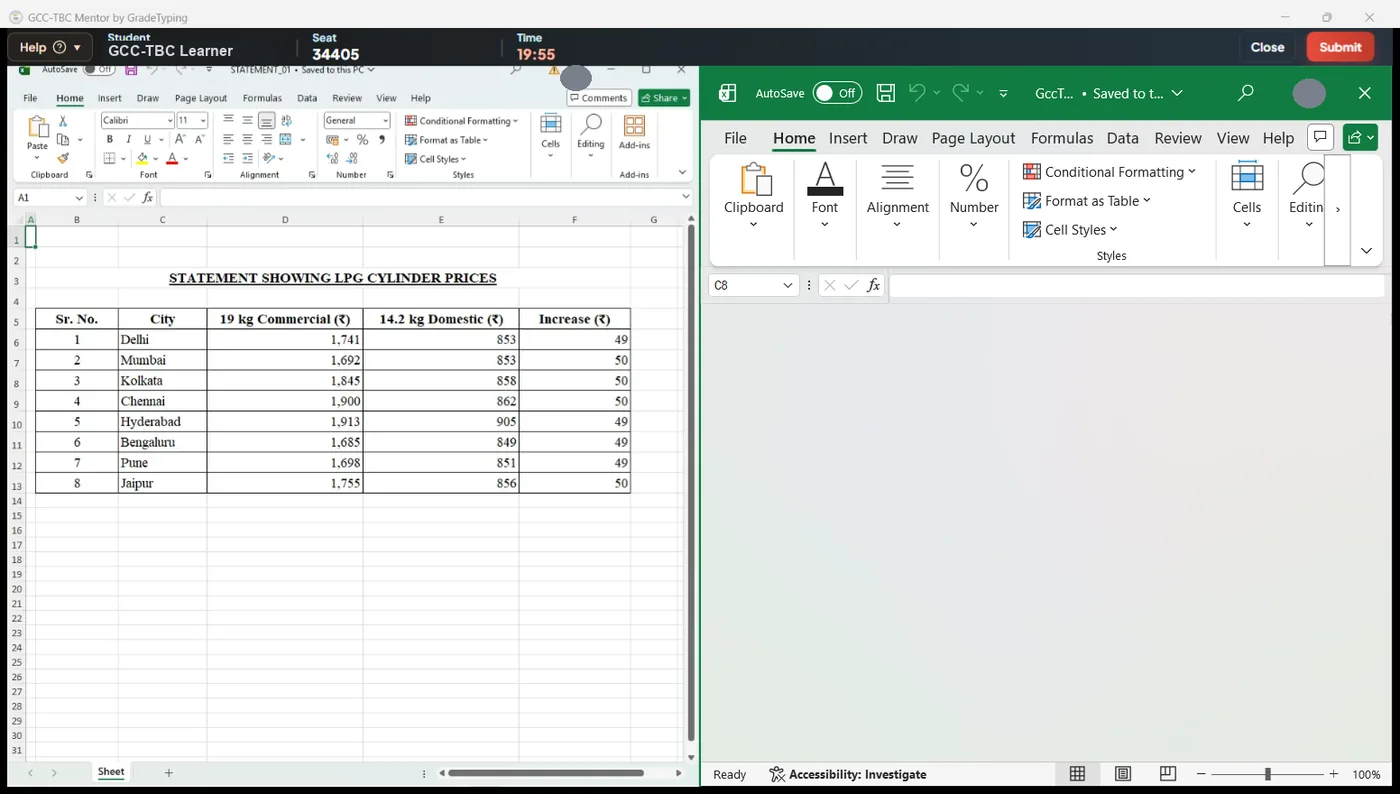
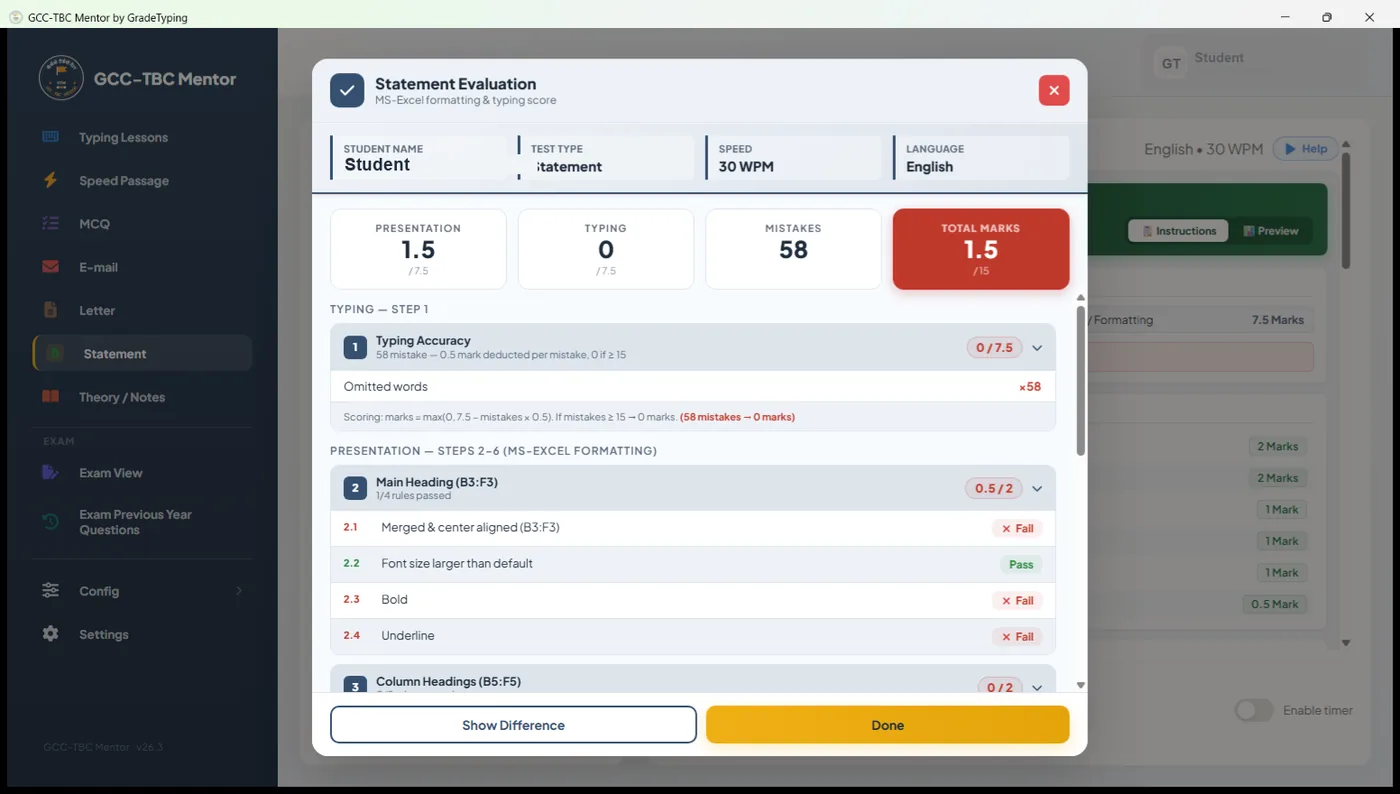
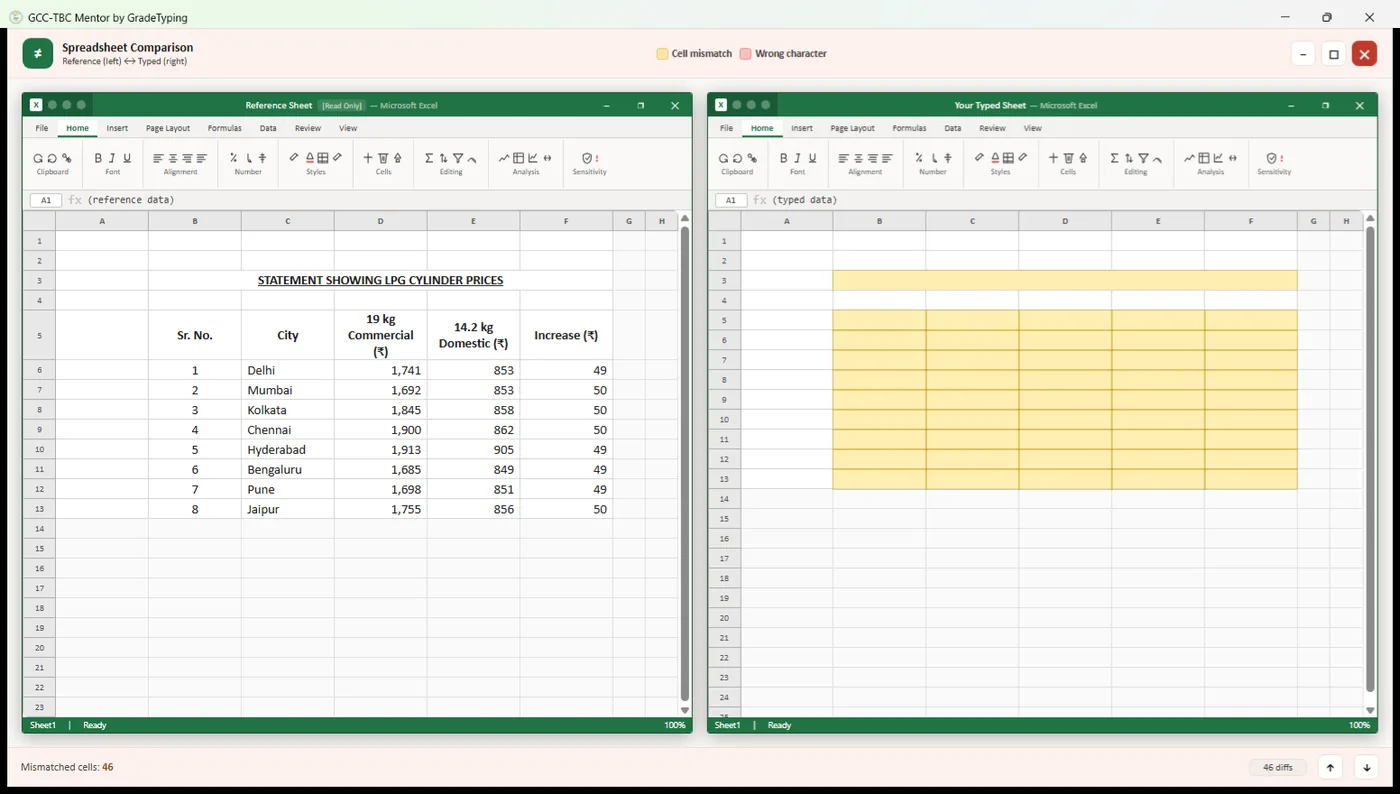
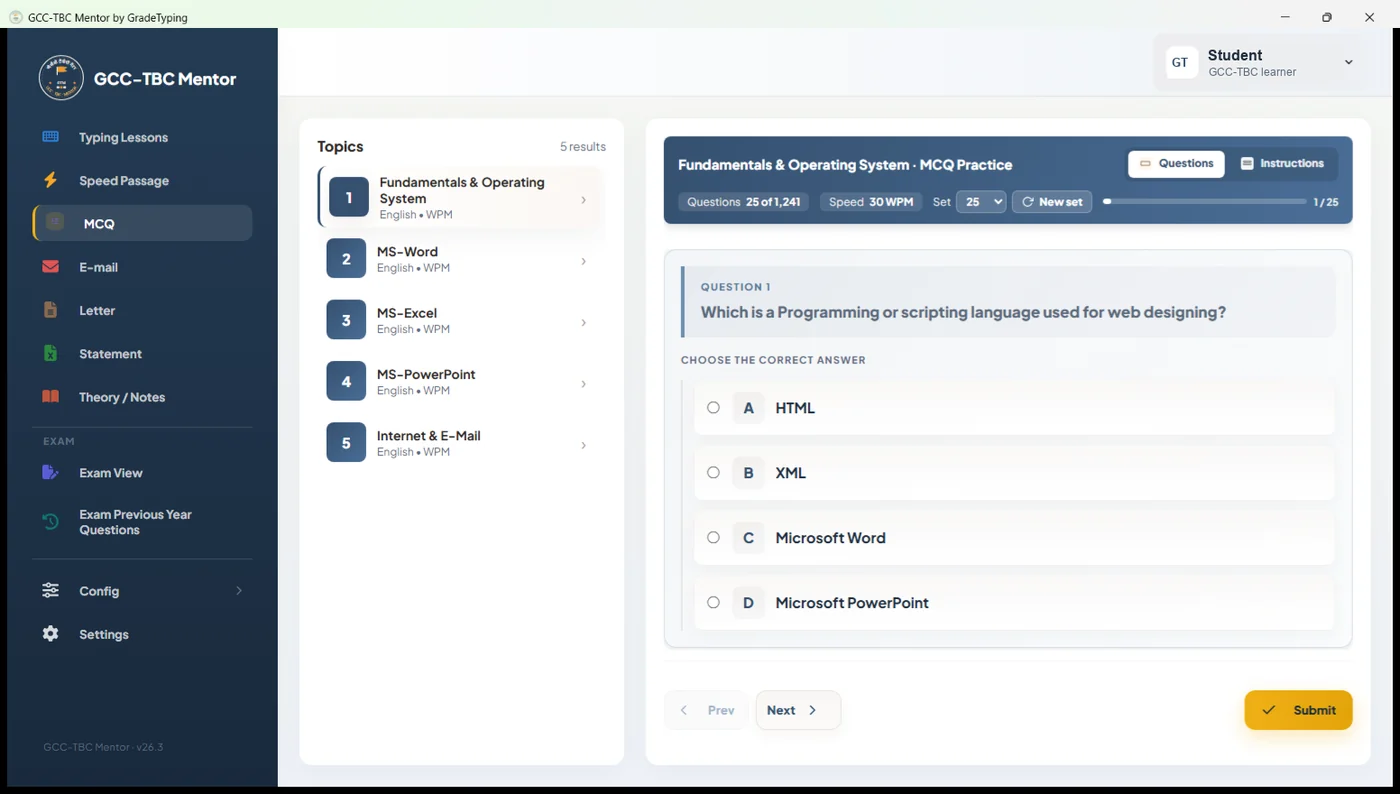
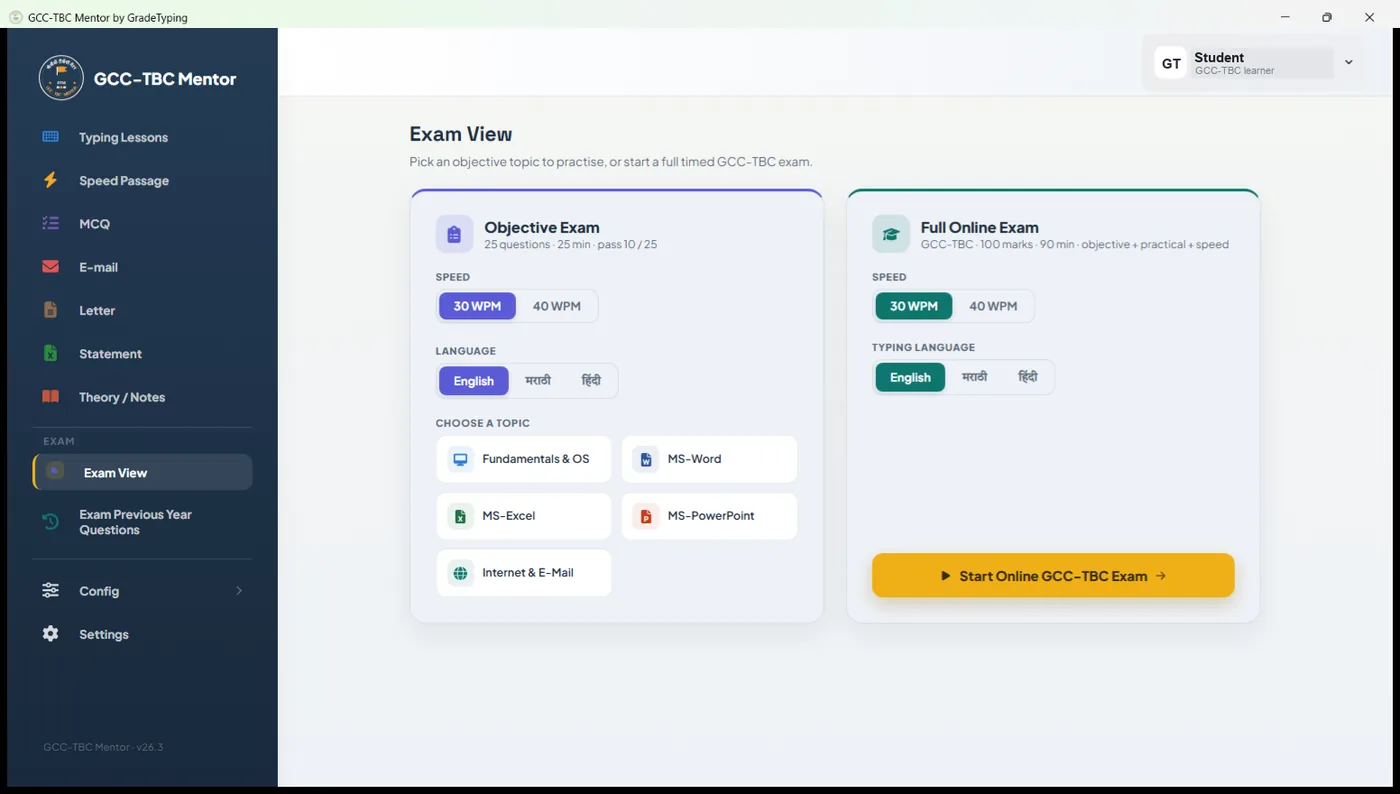
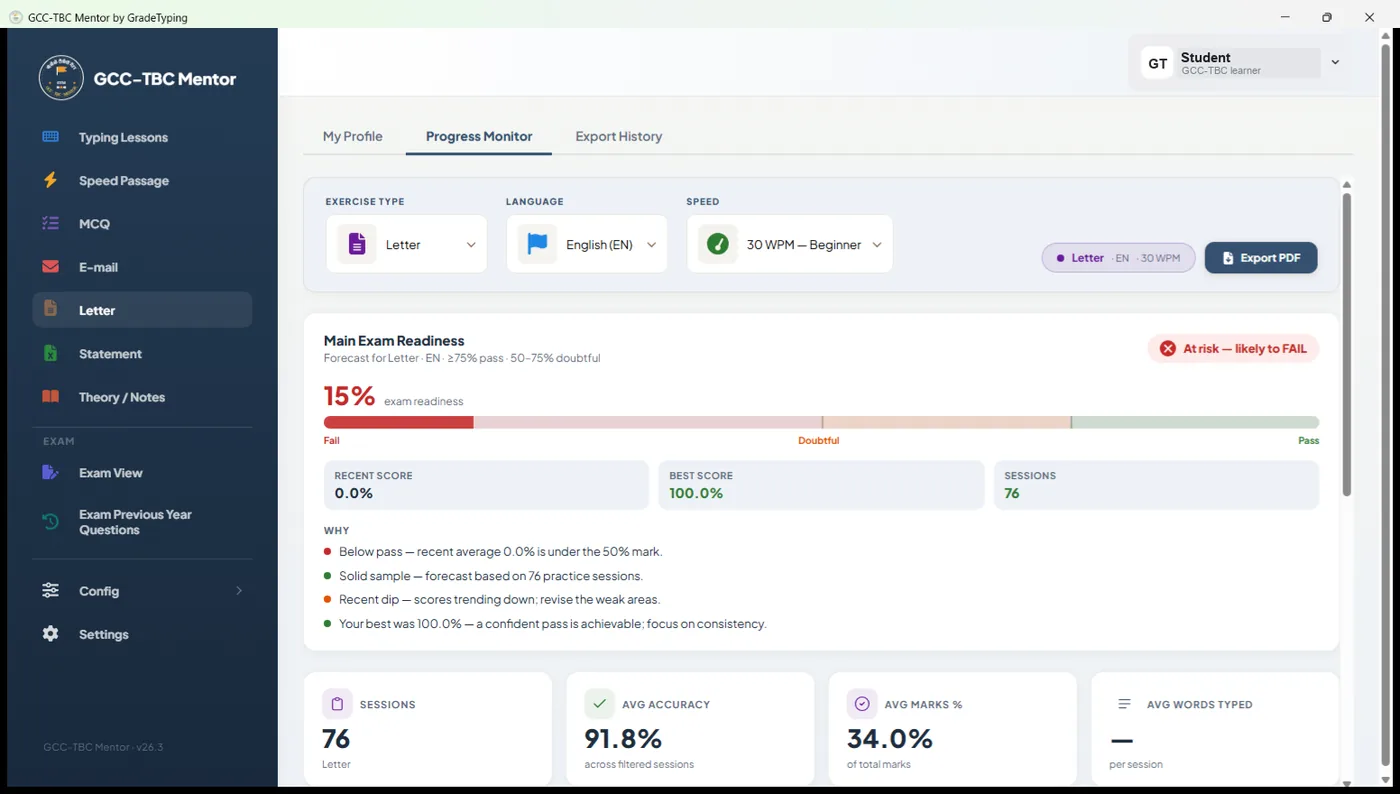
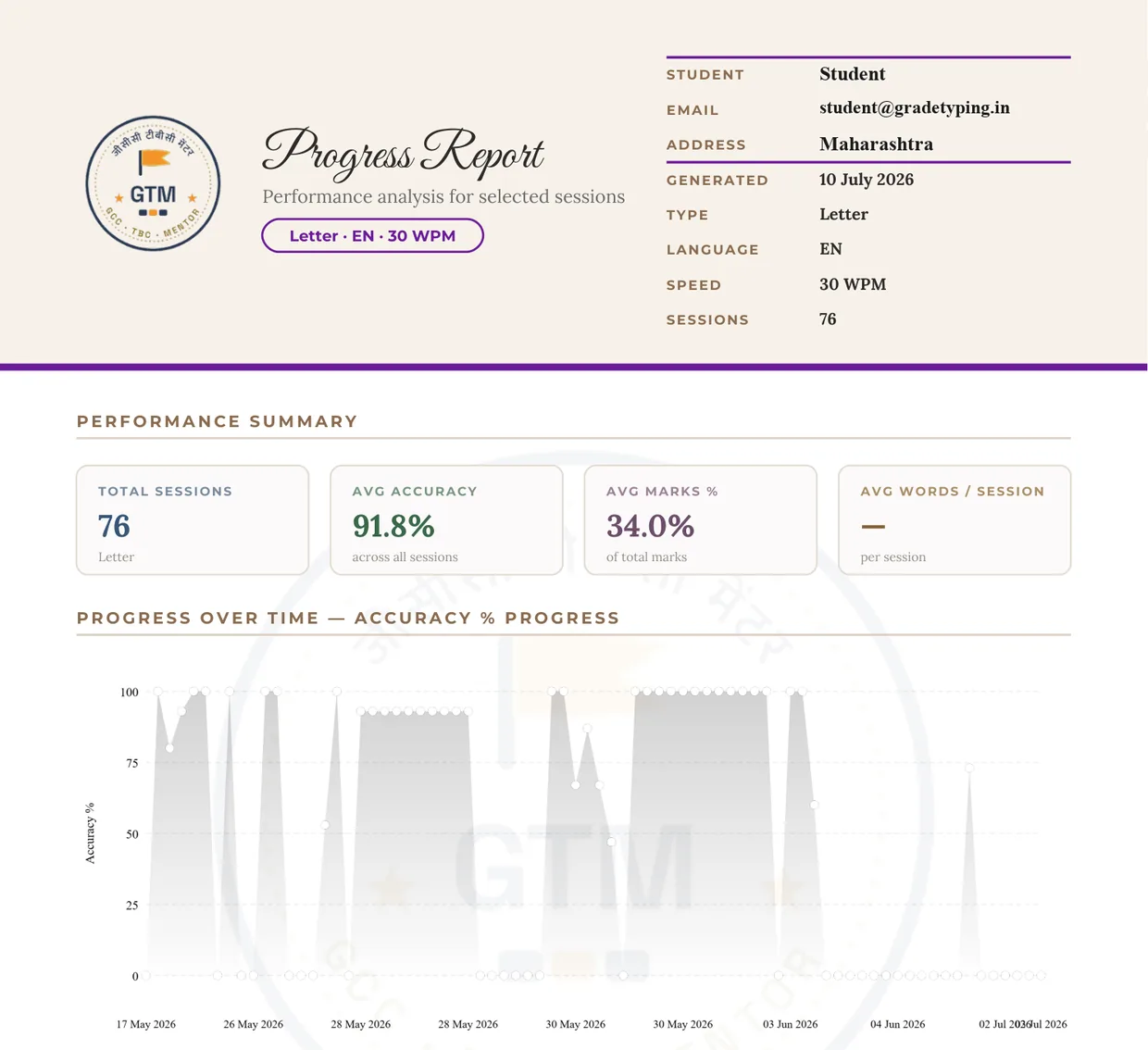
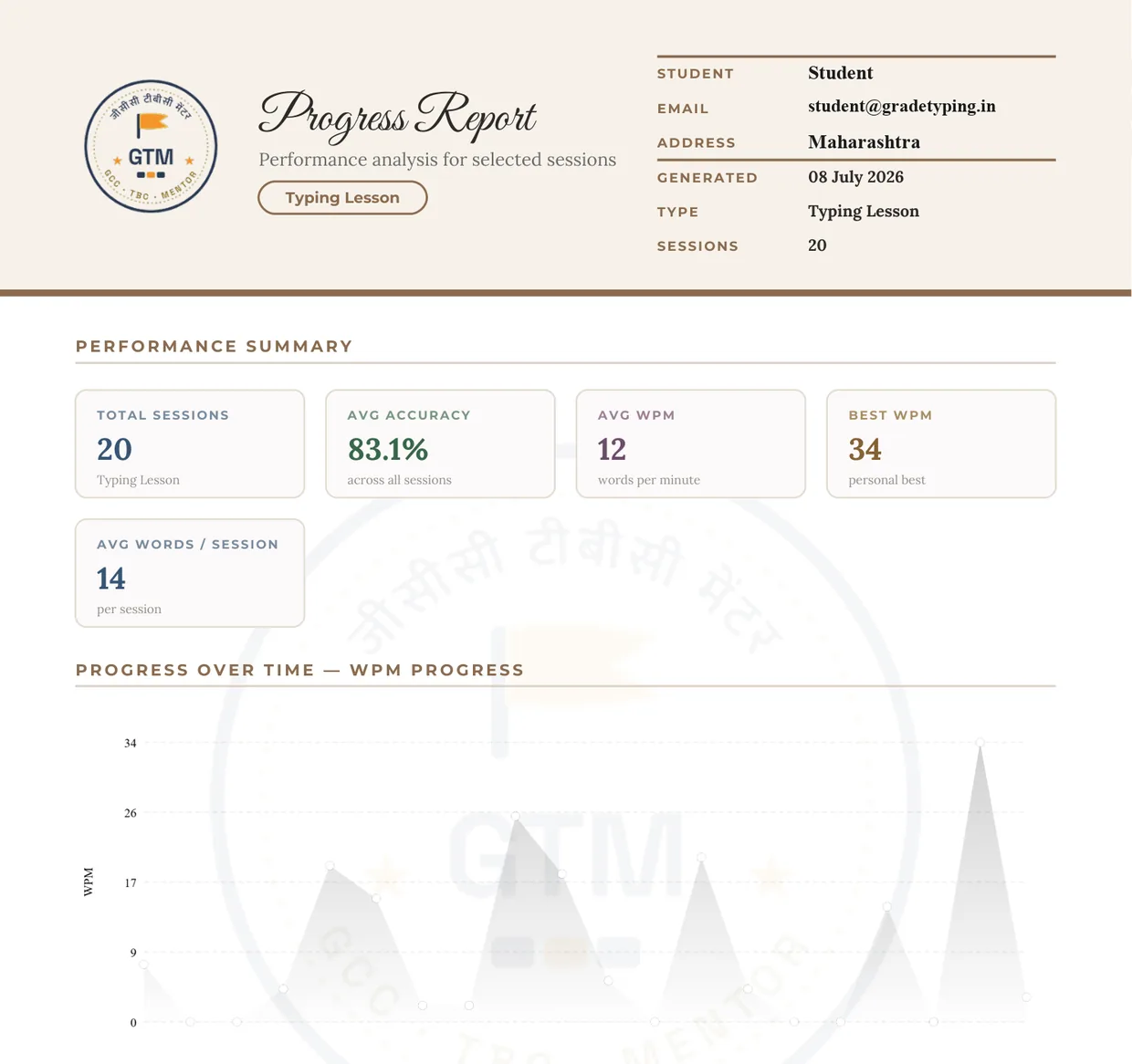
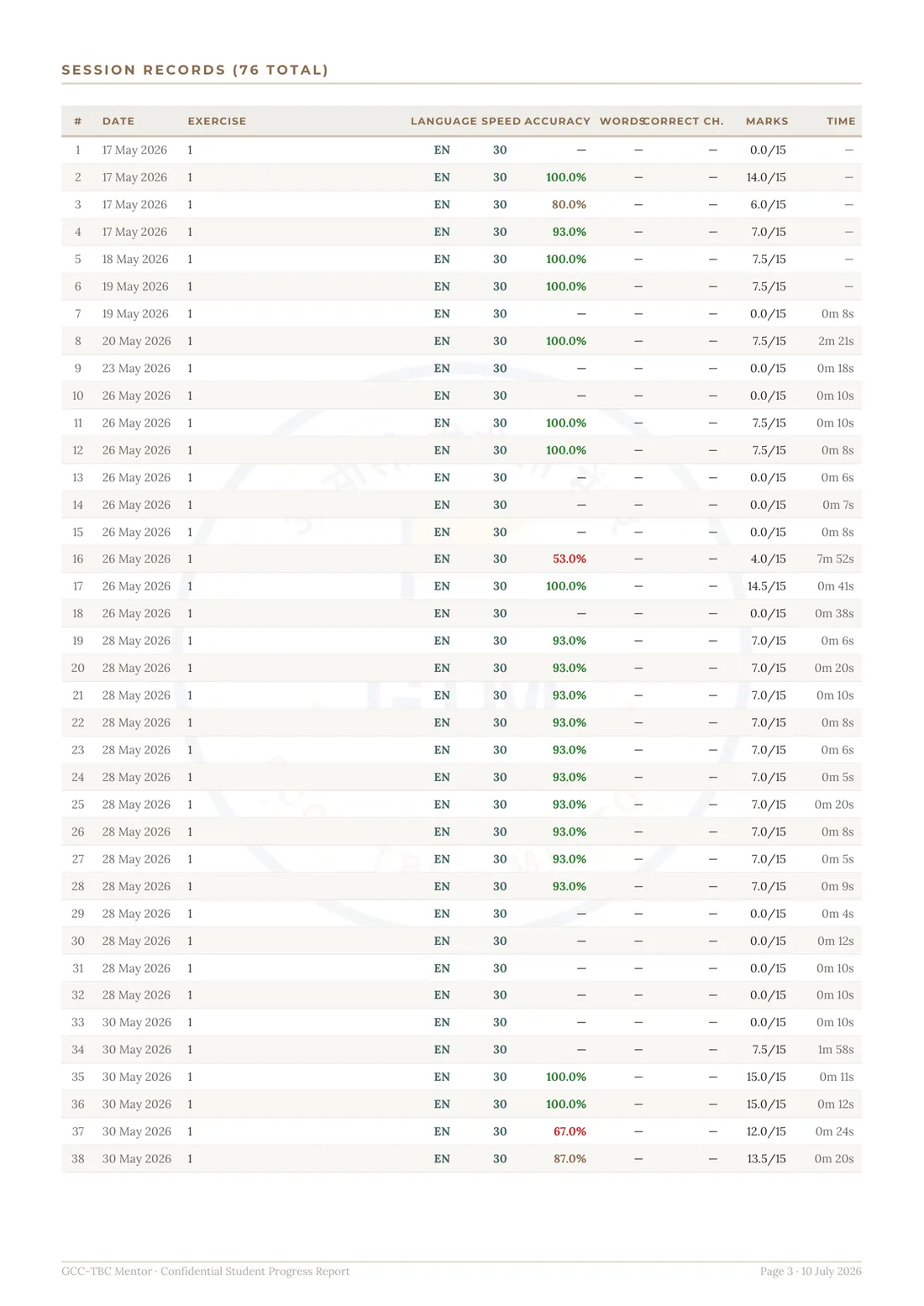
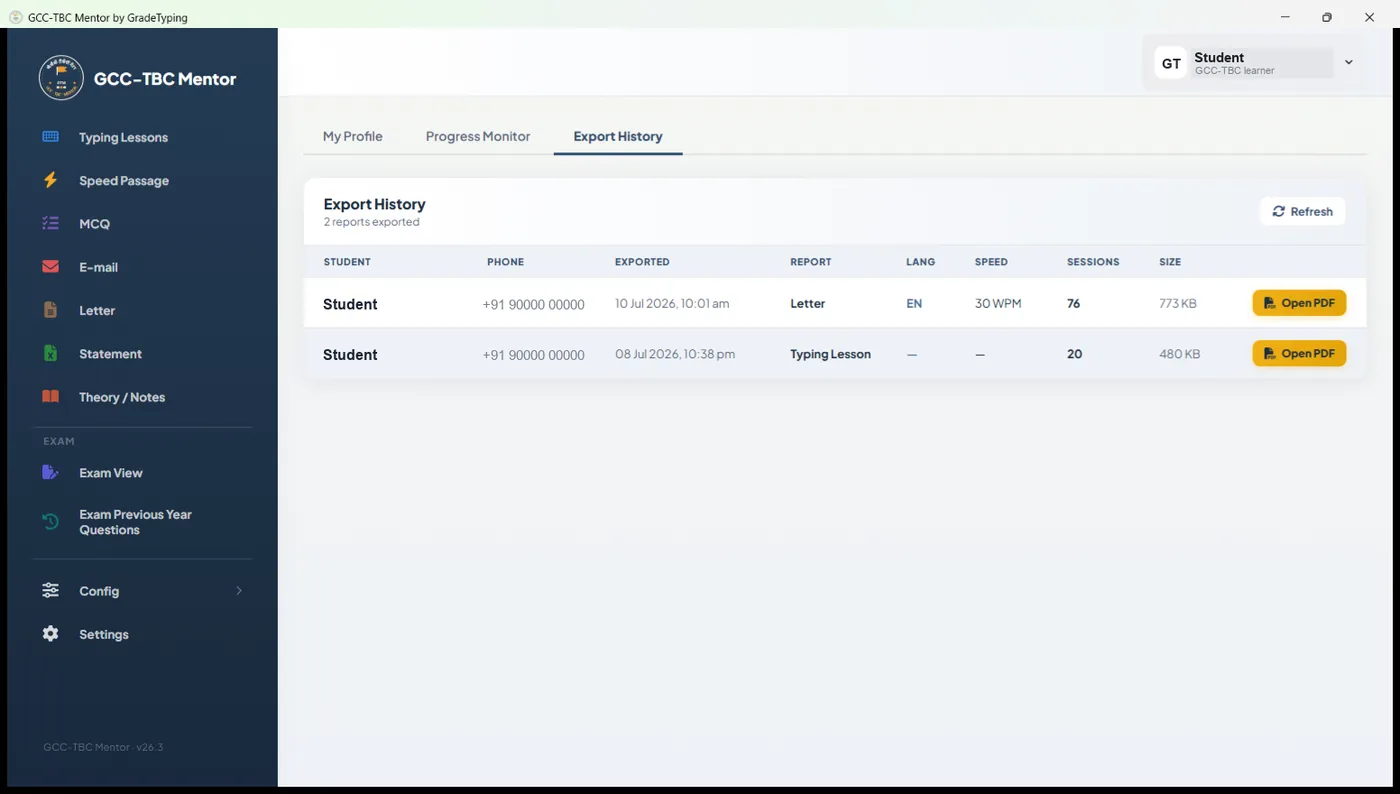
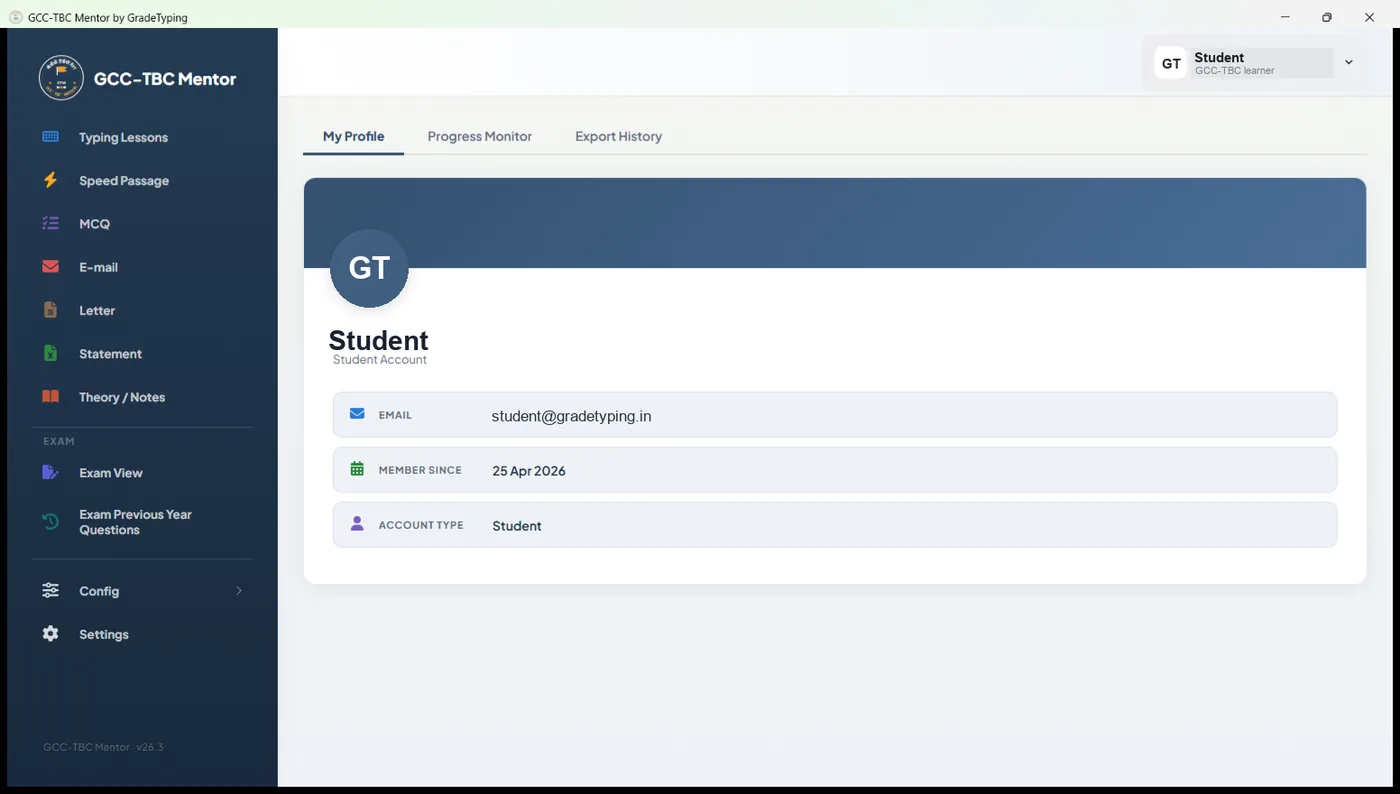
Typing LessonsGuided typing lessons for every keyboard row, at 30 / 40 / 50 WPM.Speed PassageSpeed-passage typing with configurable targets and detailed results.LetterLetter practice marked on accuracy and presentation.Letter — MS WordType the letter live in real MS Word — reference on the left, your document on the right.Letter ResultInstant auto-grading — typing accuracy, presentation marks and a per-rule breakdown.Letter DifferenceWord-by-word difference view — missing, extra and wrong words highlighted.StatementStatement (spreadsheet) practice, marked on formatting and accuracy.Statement — MS ExcelBuild the statement live in real MS Excel, side by side with the reference sheet.Statement ResultMS-Excel formatting scored rule by rule — merge, alignment, borders, width and more.Statement DifferenceCell-by-cell spreadsheet comparison — every mismatched cell highlighted.Objective (MCQ)Objective (MCQ) practice organised by theory topic.Exam ViewExam View — practise an objective topic, or launch a full timed GCC-TBC mock exam.Progress MonitorProgress Monitor — an exam-readiness forecast from your sessions, with a pass / fail gauge.PDF ReportExport a polished PDF progress report — summary, trend charts and every session.Typing ReportTyping-speed report — WPM trend, best speed and accuracy across sessions.Session RecordsFull session log — every attempt with date, accuracy, marks and time.Export HistoryEvery report you export is saved to your history — ready to re-open or share.ProfileYour profile — account details, progress monitor and export history in one place.